
WordPress 7.1.4 Is Out — and Attackers Are Already Looking for Sites That Haven't Updated
Security Update — What To Do Now
On 28 October 2026, WordPress released version 7.1.4. It is not a feature update. It is a security release that fixes 22 vulnerabilities in WordPress core, and WordPress.org’s own announcement carries a sentence site owners should take seriously: “Because this is a security release, it is recommended that you update your sites immediately.”
If your business website runs on WordPress — and WordPress powers more of the web than any other platform — this one deserves twenty minutes of your attention this week, not a spot on next month’s list. Here is what happened, what the most serious flaw actually is in plain English, and exactly how to update without breaking your site.
What WordPress 7.1.4 Actually Fixes
Most of the 22 fixes are stored cross-site scripting (XSS) issues and permission problems in parts of WordPress like the block editor, the Customizer and the Interactivity API. Those matter, but they are not the headline.
The main flaw: a weakness in the upgrade process itself
The most serious vulnerability, reported by researcher Umut Bayram and confirmed in the official release notes, sits in WordPress’s own upgrade process. While a core update is being unpacked, there is a brief window — seconds, on most servers — in which the temporary update files sit in a predictable, web-accessible folder. An attacker who requests the installer file at exactly that moment can potentially run their own code on your server. No WordPress account is needed. No password. Just timing and automation.
Security researchers disagree about how practical this is to exploit by hand — the window is genuinely narrow. But attackers do not work by hand. They run scanners that probe thousands of sites automatically, and according to firewall data reported by WPTips from Wordfence, exploitation attempts began within minutes of the release announcement, with more than 18,500 attack requests recorded in the first 21 hours. Attackers read the same release notes you do — except they read them as a targeting list. Every site still running an older version is, to a scanner, simply a site that hasn’t changed.
The detail free-firewall users must know
If your site uses the free version of Wordfence, be aware of this timing gap: Wordfence deployed its blocking firewall rule for this flaw to Premium, Care and Response customers on 28 October, but free users receive it on 27 November 2026 under the standard 30-day delay. For the next month, a free firewall alone is not a substitute for updating WordPress itself.
"But My Site Updates Automatically" — Check Anyway
Most WordPress sites are set to receive minor security releases automatically, and many will already be on 7.1.4. Many will not. Automatic updates fail quietly all the time: a host may disable them, a plugin conflict may block them, a permissions problem may stop them, or the site may simply be running an older setup nobody has looked at in a year.
There is a second wrinkle. The fixes were also backported to older WordPress branches — 7.0.8, 6.9.11, and so on, down to 4.7.39 — so an older site may be patched without ever showing “7.1.4.” But WordPress.org’s version documentation is clear on the limit: only the latest version of WordPress is actively supported, and sites on WordPress 4.6 or earlier receive no security updates at all. If your site is that old, no setting will save it — it needs a proper upgrade, and the longer it waits, the more exposed it is.
How to check your version in two minutes
- Log in to your WordPress dashboard.
- Go to Dashboard → Updates. Your current version is shown at the top.
- Or look at the “At a Glance” box on the main dashboard screen.
- If you see 7.1.4 — or the current patched release for your branch (7.0.8, 6.9.11, etc.) — you are covered for this issue.
- If an update is waiting, do not just click it. Read the next section first.
How to Update Safely: The Six-Step Checklist We Use
Updates break sites when they are rushed, not when they are done. This is the order we follow on client sites managed under our WordPress development services.
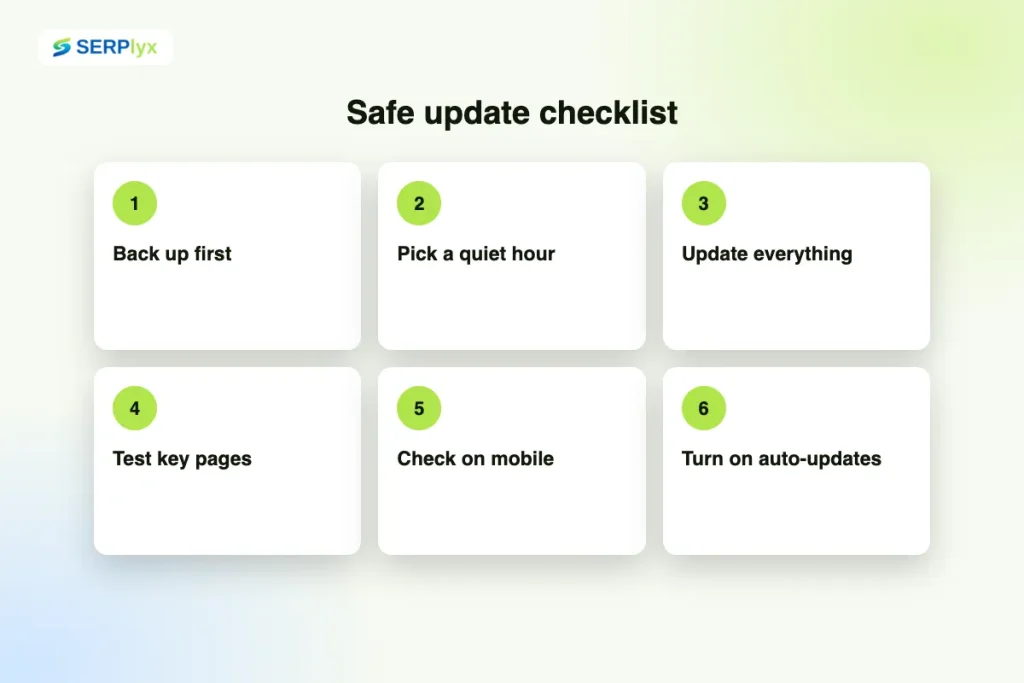
- Back up first — files and database. Use your backup plugin (for example WPvivid) or your host’s backup tool, and confirm the backup actually completed and is listed before you touch anything. A backup you haven’t verified is a hope, not a backup.
- Update during your quietest hours. Not during a promotion, not during your busiest trading window.
- Update plugins and your theme as well. Core is only one layer; outdated plugins are historically the most common way WordPress sites get compromised.
- Click through the site like a customer. Homepage, one service or product page, your contact form, and checkout if you sell online. Submit a test enquiry and confirm it arrives.
- Check nothing looks broken on mobile. Most of your visitors are on phones; test there, not just on your desktop.
- Turn automatic updates on and leave them on for core, plugins and themes, so the next security release doesn’t depend on anyone remembering.
If step 4 or 5 reveals a problem, restore the backup from step 1 and get help — do not leave a half-broken site live while you “look at it later.”
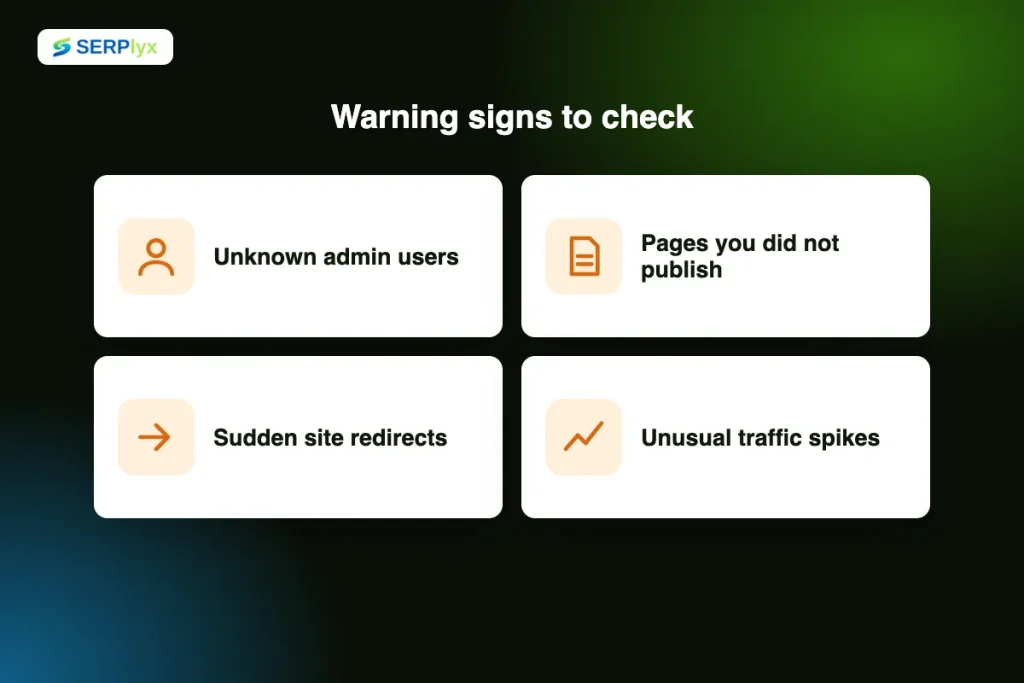
Four Signs Your Site May Already Have a Problem
An outdated site doesn’t always announce that it’s been compromised. Check for these:
- Admin users you don’t recognise in Users → All Users.
- New pages or posts you didn’t publish, especially ones full of links to unrelated products.
- Visitors being redirected to strange websites, or Google showing a “this site may be hacked” warning.
- A sudden drop in traffic or enquiries with no other explanation — search engines quietly demote compromised sites, which is one reason we treat security as part of technical SEO, not a separate concern.
If you find any of these, do not simply update and move on — updating closes the door but doesn’t remove anything an attacker may already have left inside. The site needs a proper malware cleanup first, then updating, then a password reset for every admin account.
The Real Fix Is a Habit, Not a Panic
7.1.4 is this month’s release; there will be another. The businesses that never appear in these stories share a routine, not a lucky streak:
- Monthly updates of core, plugins and themes, done carefully with backups.
- A security plugin with its firewall actually enabled — installed is not the same as protecting.
- Backups running on a schedule, stored somewhere other than the same server.
- Fewer plugins, from maintained sources. Every abandoned plugin is an unpatched door.
- Someone responsible. Either a named person on your team checks monthly, or your maintenance provider does. “Nobody’s job” is how sites end up three versions behind.
Frequently Asked Questions
Is WordPress 7.1.4 a major update that will change my site's design?
No. 7.1.4 is a short-cycle security release. It changes security code, not your theme, layout or content. Your site should look and behave exactly the same afterwards — which is why verifying with the click-through test above is quick.
My dashboard says I'm on 7.0.8, not 7.1.4. Am I safe?
For this specific issue, yes — 7.0.8 is the patched release for the 7.0 branch, released the same day. That said, plan a move to the current branch when practical, because only the latest version receives the full level of support.
Can I just wait for my security plugin to block this?
If you use a premium firewall whose rule is already live, your exposure is reduced — but the rule is a shield in front of a flaw that still exists in your site. Free firewall rules for this vulnerability don’t arrive until 27 November 2026. Updating removes the flaw itself; that is always the stronger fix.
What if the update breaks my site?
That is what the verified backup is for: restore it, and the site returns to exactly how it was, then the update can be investigated safely on a copy of the site instead of your live one. This is the standard process on every site we maintain.
Don't Leave Your Site on the Targeting List
Attackers are scanning for unpatched WordPress sites right now, using nothing more sophisticated than a version check. Bringing your site current — carefully, with a backup and a proper test afterwards — takes less than an hour and removes your business from that list.
If you’d rather not do this yourself, or your site is several versions behind and you want it brought up to date without the risk of breaking anything, talk to us. We’ll check your current version, back everything up, update core, plugins and theme, and test your key pages afterwards — and tell you honestly if we find anything that needs cleaning up first.
Get a free consultation about your website on WhatsApp — or send us your site URL through our contact page and we’ll take a look.
Ready to build something remarkable?
Sources: WordPress.org News, “WordPress 7.1.4” (28 Oct 2026); WordPress.org Version 7.1.4 documentation; WPTips, “WordPress 7.1.4 Patches Unauthenticated RCE in Core” (Oct 2026), reporting Wordfence firewall data; Cybersecurity News, “WordPress 7.1.4 Fixes 22 Security Flaws” (29 Oct 2026).